
If you want to earn from your blog, then being organised is important. Blogging can be so time-consuming and things can get on top of you if you haven’t got systems in place.
We all have multiple demands on our time. This means we all need tools and systems that work, so we can make sure we’re productive in the time we have available.

How I work?
Editorial Calendar
I have mentioned this plugin a few times before, but this really gives me a great visual overview of my upcoming posts. I’ve written more about why you need an editorial calendar here, so I will just share the main reasons for using this plugin;
- I can drag posts around and work out which post goes best where, as work comes in.
- I also have the draft section open on the side of this calendar, just to house the posts I haven’t allocated a day to yet.
- Putting draft posts on specific days really helps productivity. Otherwise, they can get overlooked in the long draft list.
This is a screenshot of my editorial calendar. I use the Editorial Calendar plugin (available on WordPress) and I literally couldn’t live without it.

Excel Spreadsheets
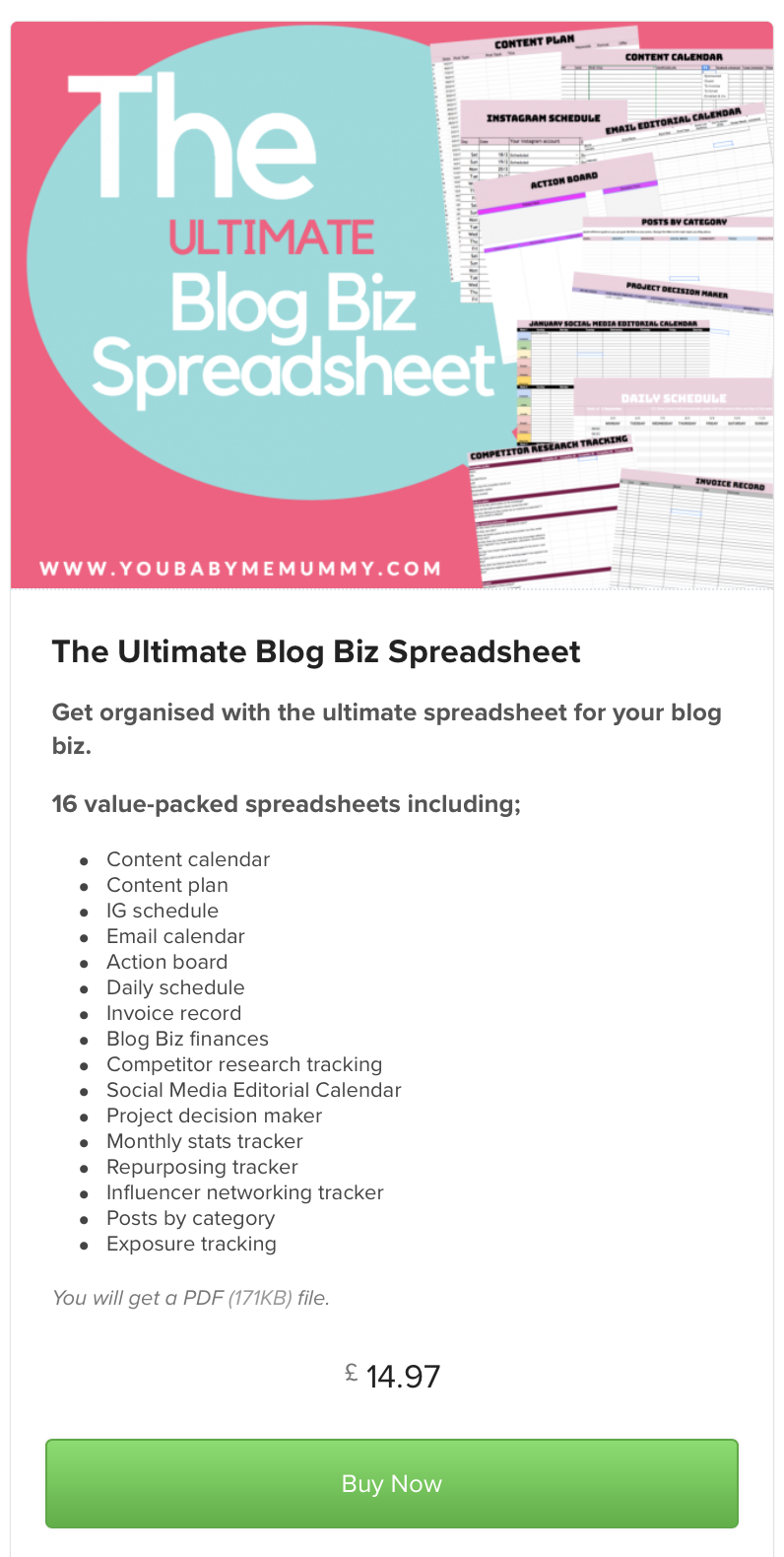
- I have a couple of spreadsheets I use daily. The first is for financial matters and the second for posts. The posts spreadsheet has the following pages;
Shortcodes / Competitions / Reviews / Sponsored Posts / Gift Guides / Waiting for Payment
- Most of the pages are self-explanatory and I find they help me stay on track. As soon as I get asked to do a review or sponsored post, I pop it on the spreadsheet. I usually open a draft post too, even if I just put the title. If I have a deadline, I will drag it to the calendar on the appropriate date.
- Every time I schedule a post, I add it to the spreadsheet on the shortcode page and complete all the columns when it’s scheduled. I change the row to grey when the post is done. If I need to schedule on social media I highlight that part in bright yellow. The columns on my shortcode spreadsheet are;
Date / Title / Shortcode / Info / Facebook / Tweet Scheduled / Pinterest / Linked to linky
- Keeping the shortcode (url) for each post really helps me save time. If you have to refer to a past post, or you are linking up with someone, then having all the urls to hand is so much easier than finding the post, going in to it and getting the shortcode.
Planner
Even though there are countless programmes and apps you can use to write lists, I’m old school and still love a notebook/diary and pen. It helps me think when I have a pen in my hand! I’ve uses a DIY planner, various well-known planners and more recently a bullet journal.
- Every night before I go to bed I write the following days to do list. I will include everything I need to do, even if I know I will remember it. This will give you a proper overview of what you have to accomplish each day and there will also be more to tick off! (We all know how good that feels!).
- When I used to join in with linkys, I would leave the tab for the linky open on my Mac until I was done all my commenting.
- Anything ongoing, that isn’t tied a specific day that week, can go on the relevant monthly to do list in my planner. I only write on the day what has to be achieved THAT day.
- Don’t put everything you need to do on one day, as you won’t get it done, will be disheartened and will have to write the tasks out again on the next day.
- To save time I have a checklist for recurring tasks that I print off and stick opposite my diary page, so I can just go through ticking things off, then go to the relevant day and do the specific tasks.

Scheduling
- Facebook – I schedule my blog posts to appear on Facebook in the morning. This way if we have a hectic morning, I know I don’t need to worry. I schedule manually in Facebook for better reach.
- Twitter – I then schedule my tweets (using Social Oomph).
I can do this scheduling in a few minutes, so I usually do it before logging off for the evening.
- Instagram – I also schedule my Instagram. However, I tend to do this in batches rather than daily. I use Planoly and upload pictures as I edit them, so I usually have a few in there. Then I’ll go in and spend time writing the accompanying caption. I might have these scheduled for 5 days, then I will do another batch.
- As I finish a sponsored post/review I enter the details on the spreadsheet, then I’ll schedule (using Boomerang Chrome Extension) the email to go to the PR with the details of the url etc. Scheduling it for when the post will be live, then I can forget about it.
That’s a little glimpse of how I work and the things I do to keep me on the straight and narrow!
Which systems help keep you on track with your blogging?
LIKE IT? THEN PIN IT!
