

Being a busy family there are always things we need to print off; tickets for days out, the latest of our cherished pictures and lots of various business documents. Sadly, I am the kind of person who always forgets to buy ink, so we are always unable to print when we really need to. Like our Olympic tickets when we secured them the night before our event about 10pm, with no ink to print them. As you can imagine this was a slightly stressful situation! We have recently resorted to emailing things to Mr Hubby to print off at work, which isn’t an ideal situation.
Also due to the fact that I always have to make a quick purchase of ink and can’t shop around, I always end up paying over the odds, which is very frustrating. There are lots of things I would like to spend my money on and ink isn’t one of them!

HP asked us if we would like to review a HP instant ink service which means that the ink is magically delivered to your door before you run out. This sounded too good to be true and as if it might b the answer to all of my prayers, so I was keen to get going. We were sent a fabulous new HP ENVY 5540 printer, the ink cartridges, a pre-paid card for the Instant Ink service and lots of paper.
Instant Ink?
O.k so maybe it is not completely magic… All you have to do is select a package based on how much printing you do each month. You then pay the monthly fee and when your printer starts to get low on ink, it sends a message and orders more ink to be delivered to you. So, it isn’t magic, but it is very clever and I think it will be a bit of a god send.
The HP Envy 5540 printer has all the functions you would expect printing, scanning, copying functions. It is also wireless, which is fab and means we can use it much more flexibly. You can download the HP app and then print photos straight from your smart phone.
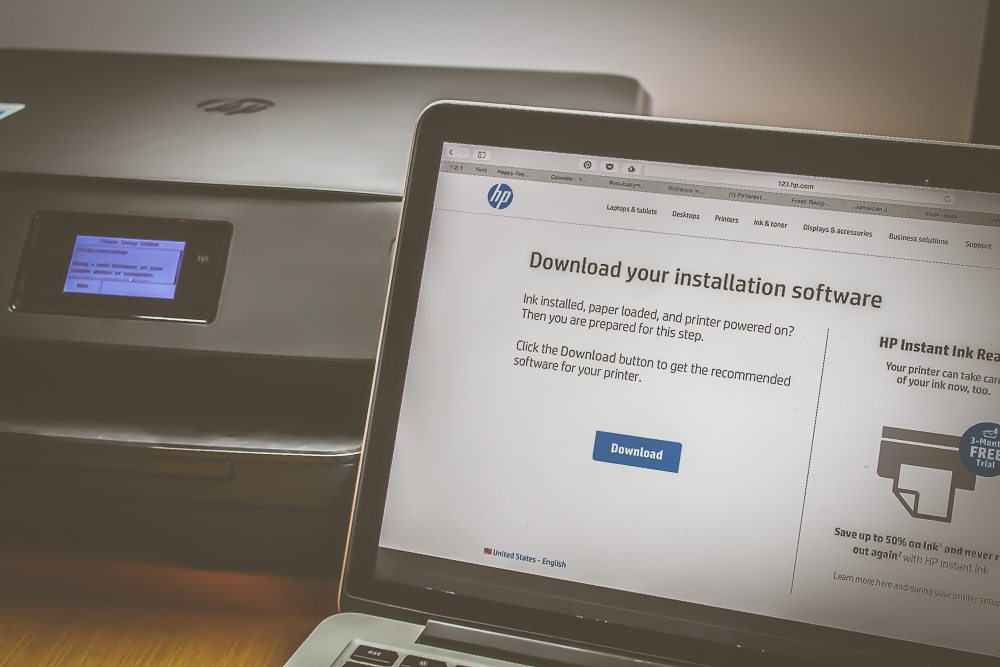
The printer was very easy to set up, the cartridges just popped in and the printer guided me through the steps I needed to do to get it onto our wifi. A couple of clicks on my laptop changed my default printer to the new HP Envy. That was it, done!

HP asked us to throughly test the printer and wanted us to cover certain areas;
Quality Test
One fab thing about the HP Envy is that for each document you print you can pick whether you want it to print in draft, normal or best. So all those reference emails and tickets can be printed in draft, saving you ink, which ultimately saves you money. I love this feature so much, as it means I will stop thinking it might be a waste of money to print something.
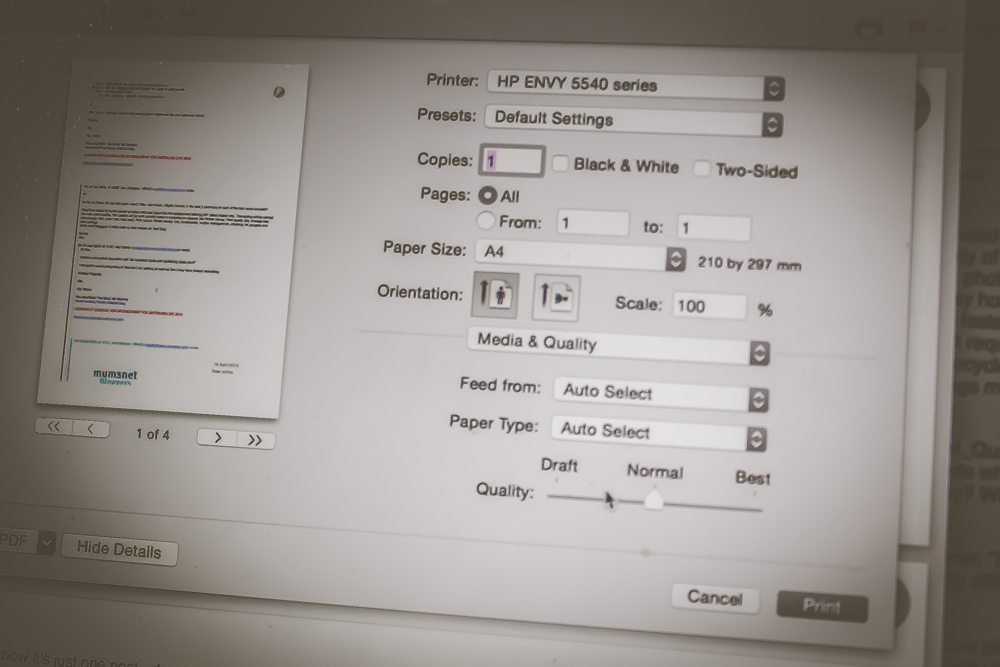
I printed the same document in all three settings and if I am honest I would have to be super critical to notice any difference, slightly less pigmentation on the text for draft, but certainly all documents you could happily use.

I printed a larger document consisting of a number of pages and the quality remained the same. Baby was desperate for me to print a picture of her with Amy and Rose, so that was the next on my list. It printed much quicker than my old printer and again I couldn’t fault the quality.
Speed Test
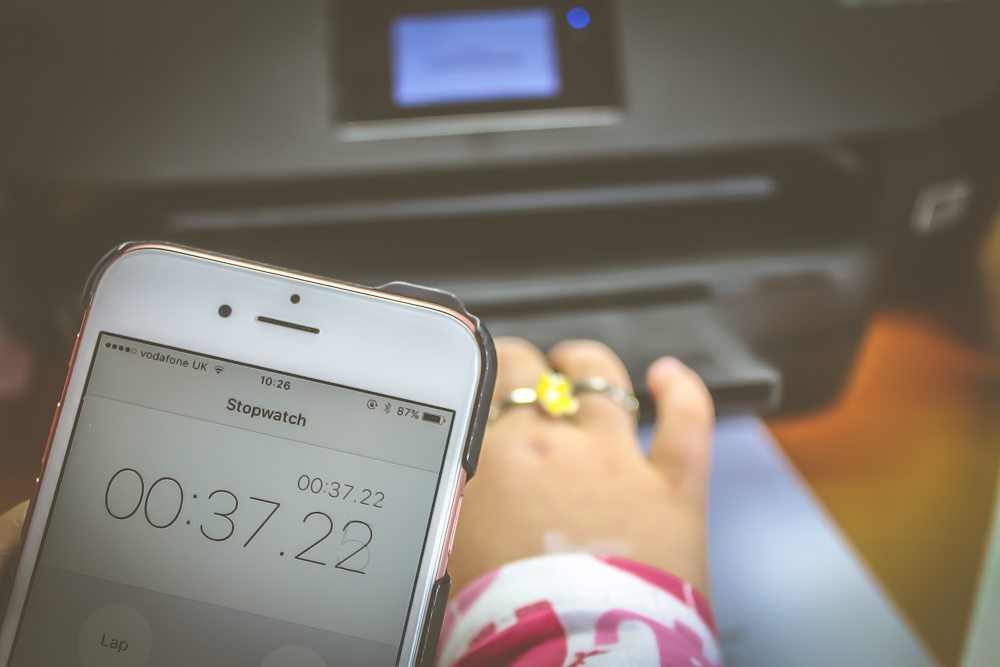
For this test I popped in the HP Advanced Photo paper, as we wanted to test the speed of printing a large photo. We first timed how long it took to print a standard document, we timed it at 37.22 seconds.
I found a large photo and ably assisted by Baby we pressed print and were quite amazed that it only took 1 min 10 seconds to print the full picture. We then tested the speed between normal and best and there was only a couple of seconds difference. I think on a daily basis most of our documents would be printed in draft, but I would always print photos in best mode, just from a quality point of view.

Dry Smudge test
For our next test we had to get hands on. I printed a document in ‘normal’ mode using the HP Inkjet plain paper with colorlok and as soon as the document had come out I smeared my finger straight across it. The result? Zero smudging, Baby had to have a go too!

Wet Smudge test
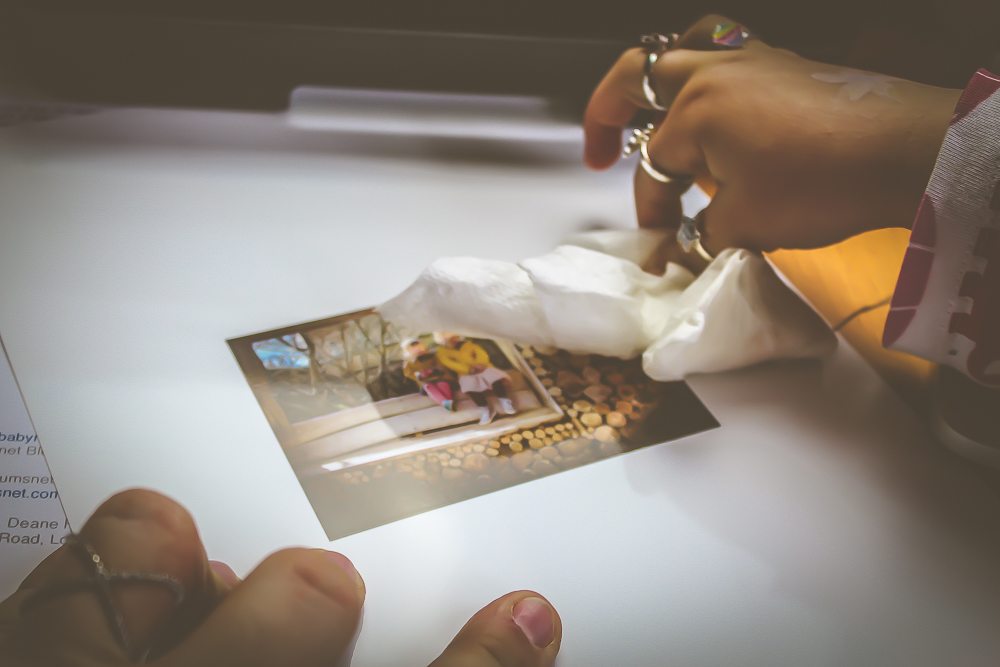
Baby loves anything to do with water, so she was very happy when I told her that the next test involved the wet stuff. Swapping back to the photo paper and best mode I printed out a photo. Taking a piece of kitchen roll I dipped it in the water and smudged it across the picture. The colour did smudge, but honestly not as much as I thought it would have. Baby had a go, she was quite concerned that she was doing the right things as purposefully putting water on a picture would be very frowned upon in our photo loving house!

Fade test
On the photo paper I printed a picture, popping some paper over half I left it in the window to see if the sun made the colour fade. After three weeks I noticed no difference. Not surprising when you learn that HP photo paper and Original ink deliver 60+ years of light-fade resistance under glass! Meaning our family photos will be crystal clear for years to come.
General observations
-
- Although the printer is quite large, it’s not heavy, so can be easily moved by one person.
-
- The touch screen on the printer makes setting it up really easy.
-
- So easy and quick to print from a phone.
-
- Cost effective.
-
- Quick and efficient.
-
- HP offer a large range of fantastic printables.
- The ability to print in different qualities to save even more ink.

My favourite aspects about HP Instant Ink are that it takes a job away from me. I no longer need to try (and fail) to keep on top of the ink situation. Anything which takes a task to remember away from me is a winner in my book. Also the HP paper is a really great quality, so much better than the paper I usually use resulting in brilliant quality photo printing. I would happily print my pictures using this printer.
It was great to test all the various aspects of the printer. I certainly wouldn’t have tested it as thoroughly had I not been involved in the project, so it has enabled me to learn lots more about the Printer and Instant Ink.
It’s fabulous to know that if we need something to be printed it won’t be an issue, a few seconds and it will be printed off! Hooray!
Disclosure: I am a member of the Mumsnet Bloggers Panel, a group of parent bloggers who have volunteered to review products, services, events and brands for Mumsnet. I have not paid for the product I have editorial control and retain full editorial integrity. I have received a HP Envy 5540 printer and supplies, plus £50 pre-paid instant Ink card in return for writing this post.
Comments 3
I love that it knows when you are running out of ink, this is also a common problem in our house! x
Question…do you buy the initial ink cartridge or sign up and they send it to you?
Author
They sent it to me for review purposes.